Registering a New Patron
After doing your initial search for a patron to ensure that they did not have an account already, follow these steps.
-
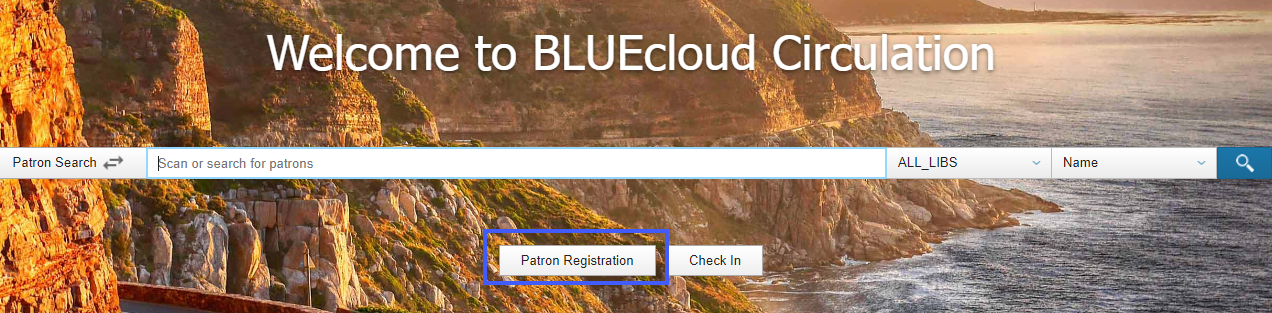
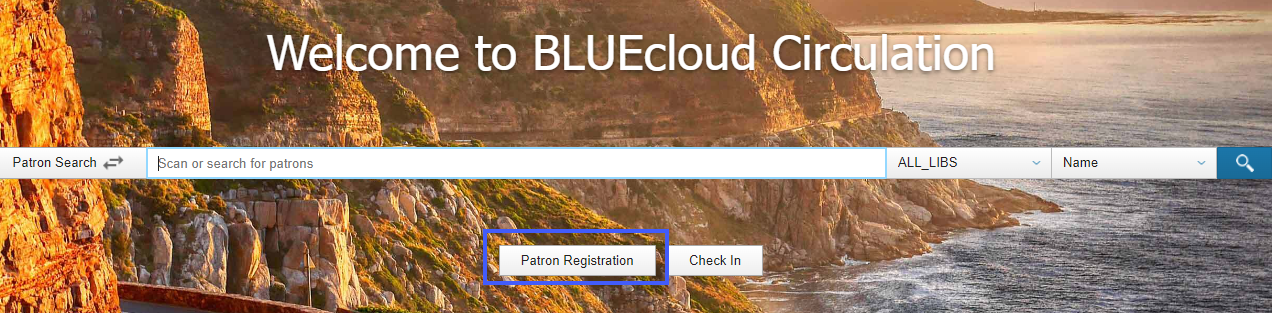
On the home screen, click on Patron Registration
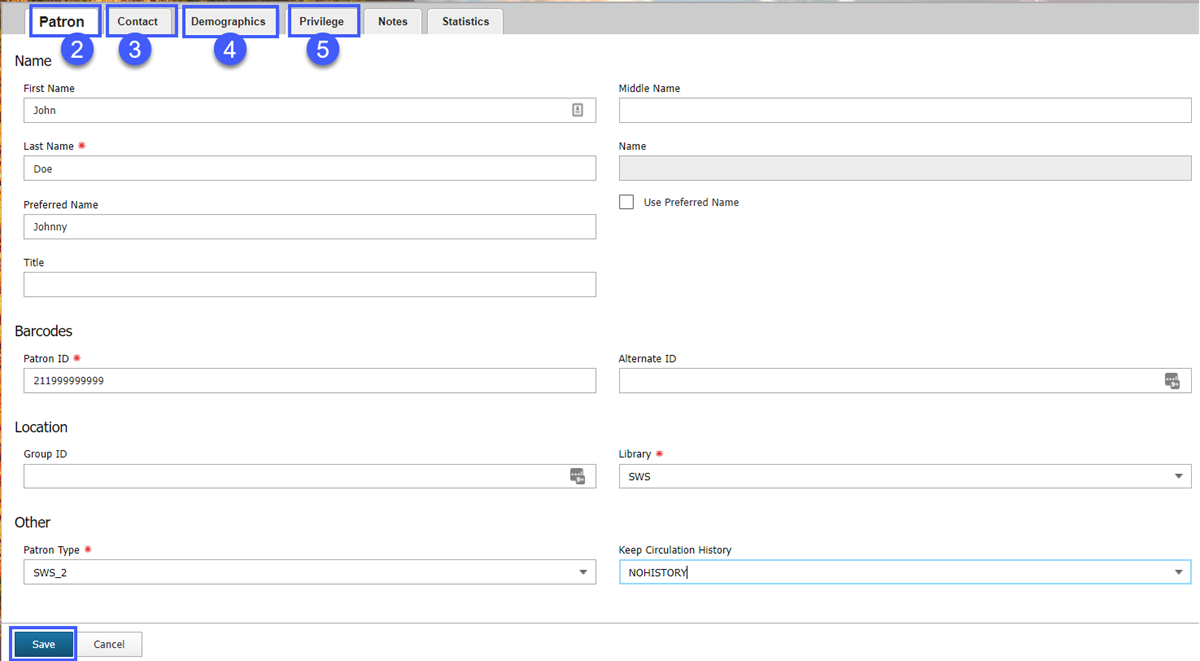
- Fill out the following tabs
- Patron
- Contact
- Demographics
- Privilege
Once you have filled out all of the tabs press Save.
For specifics on how to enter these fields properly please refer to the Registering a Patron page.