Tiered Logins
We have provided two levels of login permissions. Full will have access to templates as well as the reporting tools. Reporting Only will only have access to the reporting tools.
Login
Login to the MessageBee portal with the following link
https://messagebee.uniquelibrary.com/login
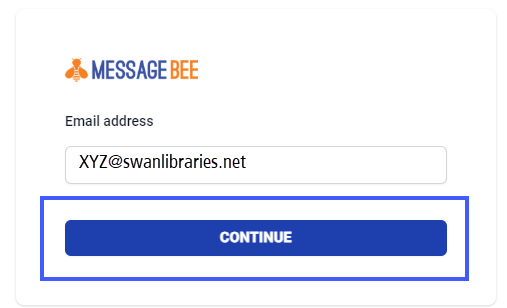
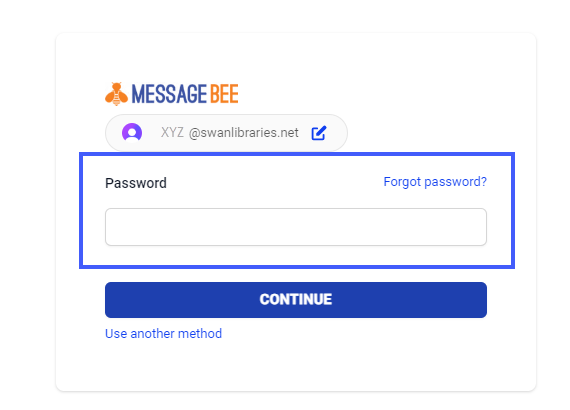
Library directors will have access to the initial Username and password through the support site.
Forgot Password
You can use the Forgot password link to reset your password. You will be given the option to reset your password, email a link, or email a code. Follow the prompts on your screen to reset the password. You can also select Use another method you will have the option to have a link or code emailed to you.
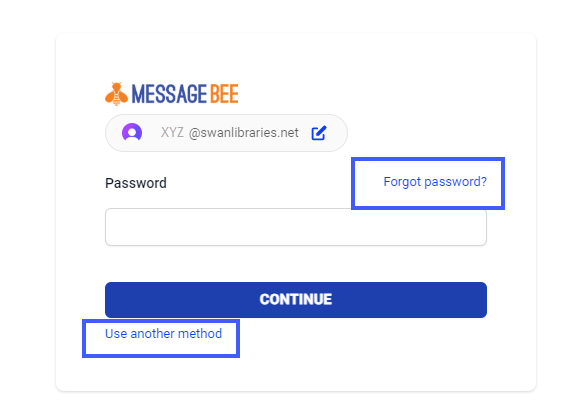
Check with your supervisor or director before resetting a password
Logout
To log out select the arrow found in the upper right-hand corner.